5 Simple Cybersecurity Wins for Your Nonprofit
Cybersecurity often feels like a giant, expensive mountain to climb. But for most nonprofits, the biggest risks aren’t sophisticated state-sponsored hackers—they’re simple things like weak passwords or lack of basic account protection.
Here are five “simple wins” that you can implement this week to drastically improve your security posture without spending a dime.
1. Enable Multi-Factor Authentication (MFA) Everywhere
If you only do one thing on this list, make it this. MFA (sometimes called Two-Step Verification) requires a second form of identification to log in—usually a code from an app on your phone.
Even if a hacker steals your password, they can’t get in without that second code.
- Action: Turn on MFA for Google Workspace/Microsoft 365, your donor database, and your social media accounts.
2. Use a Password Manager
The “I use the same password for everything so I can remember it” strategy is a gift to hackers. Once they get one password, they have them all.
A password manager (like Bitwarden or 1Password) stores long, complex passwords for you. You only have to remember one master password.
- Action: Encourage staff to use a password manager for all work-related accounts.
3. The “One-Minute” Employee Offboarding
When an employee or volunteer leaves, do you immediately revoke their access? Leaving accounts active for former staff is a major security gap.
- Action: Create a simple checklist for when someone leaves: Change the password, disable the account, and redirect their email to a supervisor.
4. Set Up “Shared Drives” Instead of Personal Folders
When staff store files in their personal Google Drive or OneDrive “My Documents,” those files are harder to secure and harder to recover if the account is compromised.
- Action: Move organizational files to Shared Drives (Google) or SharePoint (Microsoft). This gives the organization ownership of the data, not the individual.
5. Audit Your Admin Privileges
Does everyone on your team need to be a “Super Admin”? Probably not. The more admin accounts you have, the more targets there are for hackers.
- Action: Audit your admin users. Most people only need “User” access. Only 2-3 people should have full administrative rights.
Ready for a Deep Dive?
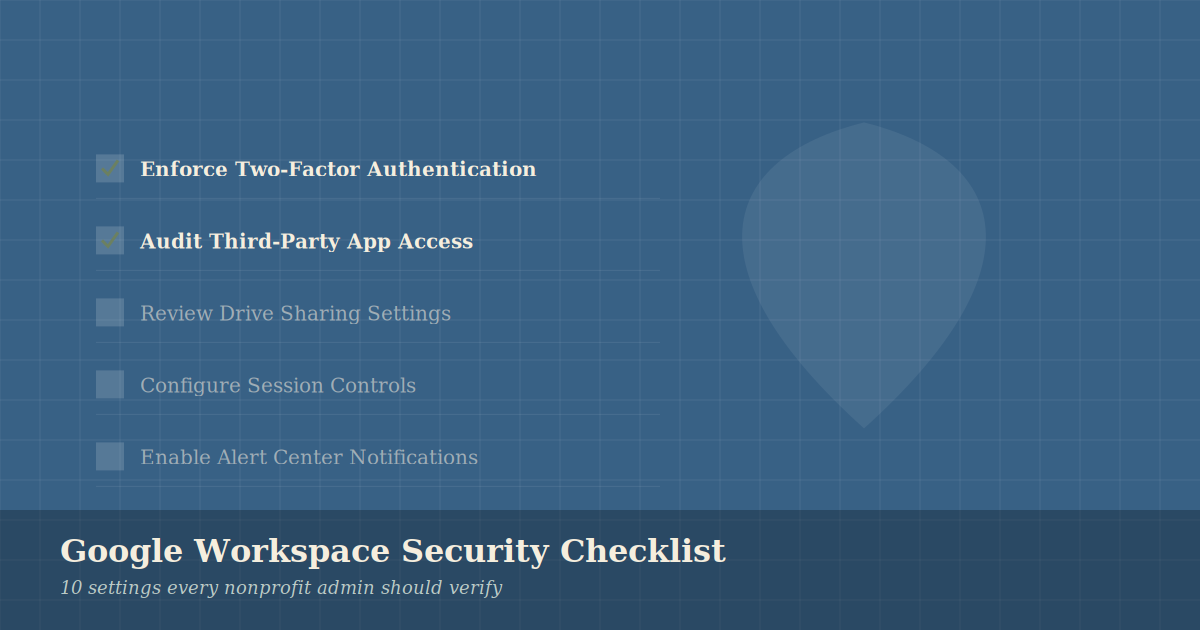
These five steps are a great start. If you’re using Google Workspace, we have a more detailed 10-Point Security Checklist you can follow to lock down your admin console.
Next Step: Book a free tech assessment to see how your current security stacks up.