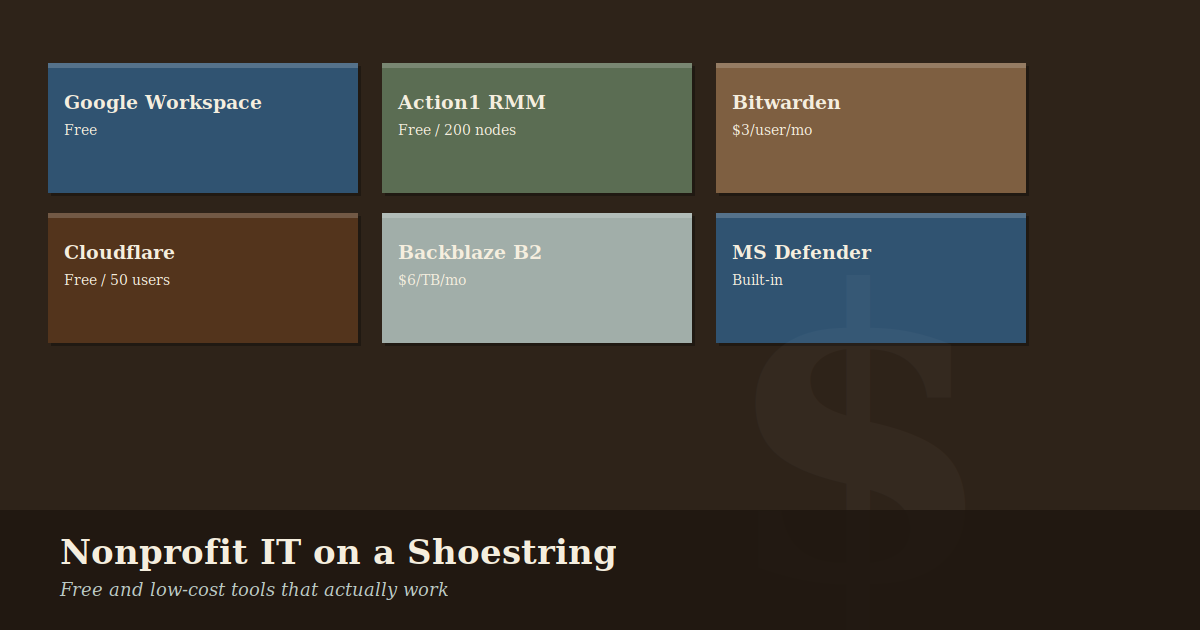
Nonprofit IT on a Shoestring: Tools That Actually Work
Nonprofit IT often means making serious tools work on serious constraints. The good news: the gap between what a well-funded organization can afford and what a scrappy nonprofit can piece together has never been smaller.
These are tools we actually use and recommend — not a sponsored list, just what works.
The Foundation: Google Workspace for Nonprofits
If you take one thing from this post, make it this: apply for Google for Nonprofits if you haven’t already. Qualifying 501(c)(3) organizations get Google Workspace Business Starter — email, Drive, Docs, Meet, Calendar — at no cost.
Cost: Free | Learn more about Google Workspace for Nonprofits
Essential Nonprofit Resource Gateways
Before you buy any software, you must register with these two organizations. They are the primary “gatekeepers” for nonprofit discounts worldwide.
1. TechSoup
TechSoup is the industry standard for nonprofit technology. They partner with companies like Microsoft, Adobe, and Cisco to provide donated or deeply discounted software and hardware.
- Action: Sign up for TechSoup here. You’ll need your organization’s EIN and 501(c)(3) determination letter.
2. Goodstack (formerly Percent)
Goodstack is the verification partner for Google, Slack, and many other major tech companies. To get Google for Nonprofits or discounted Slack, you’ll go through their verification process.
- Action: Register with Goodstack here.
Endpoint Security: Malwarebytes or Microsoft Defender
Paid antivirus solutions marketed to businesses can run $40–60 per device per year. For most small nonprofits, Microsoft Defender (built into Windows 10/11) is genuinely good and costs nothing.
If you want a managed solution with a central dashboard, Malwarebytes for Teams has nonprofit pricing worth asking about.
Cost: $0 (Defender) to ~$2–4/device/month for managed solutions
Password Management: Bitwarden
Password reuse is one of the most common causes of account compromises. A password manager solves this — every account gets a unique, strong password that nobody has to remember.
Bitwarden is open source, audited, and has a free tier that works well for individuals. Their Teams plan is affordable and offers a nonprofit discount if you ask.
Cost: Free (personal) / ~$3/user/month (teams) | Read our 5 Security Wins
DNS Filtering: Cloudflare Gateway
Blocking malicious websites at the DNS level — before a device even connects to them — is one of the most efficient security controls available. Cloudflare Gateway provides DNS filtering for up to 50 users at no cost.
Cost: Free up to 50 users
Backup: Backblaze B2
Cloud backup doesn’t have to be expensive. Backblaze B2 storage costs roughly $6 per terabyte per month. For organizations that rely heavily on Google Drive, remember that Google Workspace doesn’t automatically protect you from accidental deletion or ransomware that syncs to Drive.
Cost: ~$6/TB/month for storage
Need a Custom Tech Stack?
Every nonprofit is different. While these tools are great starting points, the right combination depends on your mission, your staff, and your compliance needs.
Next Step: Reach out for a free tech assessment. We’ll help you audit your current tools and find ways to save money while improving security.