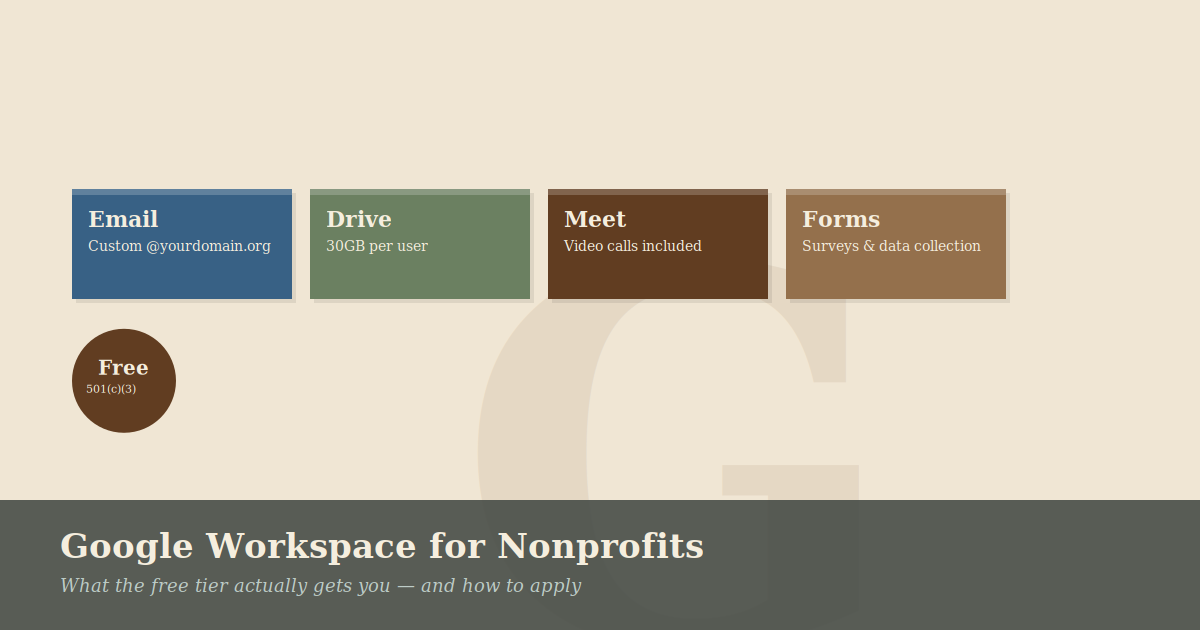
Google Workspace for Nonprofits: What the Free Tier Actually Gets You
If your nonprofit is paying for email and productivity software, there’s a good chance you don’t need to be.
Google’s nonprofit program offers qualifying organizations free access to Google Workspace — the same platform that businesses pay $6–18 per user per month for. For a 20-person organization, that’s potentially $1,400–4,300 per year you’re not spending.
Here’s what you actually get, what the catches are, and how to apply.
What Is Google for Nonprofits?
Google for Nonprofits is a program that provides free or discounted access to Google products for eligible organizations. The core offering for most nonprofits is Google Workspace for Nonprofits — a full-featured version of the Business Starter plan at no cost.
That includes:
- Custom email addresses at your domain (name@yourorg.org)
- Google Drive with 30GB of storage per user
- Google Docs, Sheets, Slides, Forms, and Sites
- Google Meet for video calls (up to 100 participants)
- Google Calendar
- Google Chat
For most small nonprofits, this covers essentially everything you need for day-to-day operations.
Who Qualifies?
To be eligible, your organization must:
- Be a registered 501(c)(3) nonprofit in the United States (other countries have equivalent requirements)
- Not be a governmental entity, hospital, or academic institution
- Agree to Google’s nonprofit program policies
You’ll need to verify your status through Percent, Google’s nonprofit verification partner. The process involves submitting your EIN and some basic organizational information.
What About Upgraded Plans?
Beyond the free tier, Google offers discounted pricing on higher-tier plans:
- Business Standard (normally $12/user/month) — discounted significantly for nonprofits, adding features like Google Meet recordings, larger storage (2TB per user), and enhanced security controls.
- Business Plus (normally $18/user/month) — adds eDiscovery, audit logs, and Google Vault for data retention.
Pro Tip: Most organizations under 25 people can operate comfortably on the free tier. If you find yourself hitting the 30GB storage limit, it may be time to look at a structure shared drive system.
Other Products in the Program
Google for Nonprofits includes more than just Workspace:
Google Ad Grants — Up to $10,000 per month in free Google Search advertising. This is genuinely valuable if your organization does any public-facing outreach or fundraising, but requires active management to maintain.
YouTube Nonprofit Program — Access to donation cards and other features that make your YouTube presence more effective for fundraising.
Google Maps Platform credits — Useful if your programs involve geographic data or you build any tools that display maps.
The Catches
A few things worth knowing before you apply:
- Migration takes time. If you’re currently using Microsoft 365, personal Gmail accounts, or another email provider, moving to Google Workspace requires migrating existing email, retraining staff, and reconfiguring any tools that connect to your current email. Budget at least a few weeks for the transition.
- 30GB per user fills up. For organizations that store a lot of files, photos, or video in Drive, 30GB goes faster than you’d expect.
- You still need an admin. Google Workspace requires someone to manage the admin console — adding and removing users, managing security settings, handling issues when they come up.
How to Apply
- Go to google.com/nonprofits and click “Get Started”
- Sign in with a Google account associated with your organization
- Complete the eligibility questionnaire
- Submit verification documents through Percent
- Once approved (typically 2–14 business days), activate the products you want
Ready for a Simple Win?
Setting up Google Workspace correctly from the start saves a lot of cleanup work later. We specialize in helping nonprofits secure their free licenses and migrate their data without the stress.
Next Step: Book a free 20-minute consultation to see if Google Workspace is the right fit for your mission.